
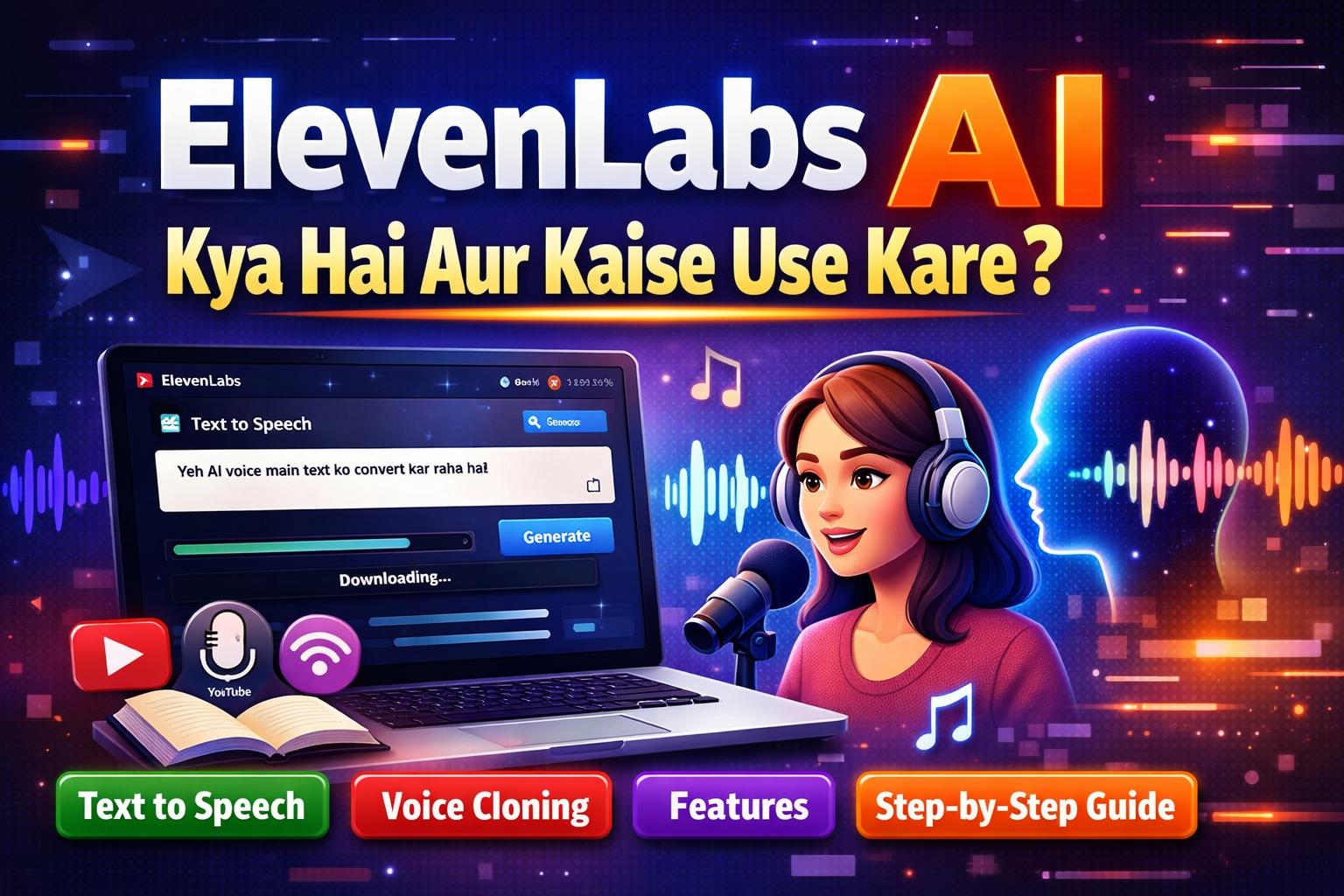
Introduction
Aaj ke digital duniya me content creation kaafi fast aur smart ho chuka hai. Chahe aap YouTube videos banate ho, podcast create karte ho, ya blog likhte ho — har jagah audio content ki demand badh rahi hai.
Isi problem ka solution lekar aaya hai ElevenLabs — ek powerful AI tool jo simple text ko realistic human voice me convert karta hai.
Iska use karke aap bina apni awaaz record kiye professional-level voiceovers bana sakte ho. Yeh tool beginners, bloggers, YouTubers aur content creators ke liye ek game-changer sabit ho raha hai.
Is detailed guide me hum step-by-step samjhenge ki ElevenLabs AI kya hai aur kaise use kare, saath hi iske features, benefits, aur alternatives bhi cover karenge
ElevenLabs AI kya hai
ElevenLabs ek advanced Text-to-Speech AI tool hai jo aapke likhe hue text ko natural sounding voice me convert karta hai.
Simple shabdon me:
Aap text likho → AI usse voice me convert karega
Yeh tool normal robotic voice jaisa nahi lagta, balki bilkul real human voice jaisa sound karta hai. Isliye yeh content creators ke beech kaafi popular ho raha hai.
ElevenLabs kaise kaam karta hai
ElevenLabs AI advanced machine learning aur deep learning models par based hai. Yeh human voice patterns ko samajh kar usi tarah se speech generate karta hai.
Iska working process kuch is tarah hai:
1. Text Input
User apna text tool me enter karta hai (jaise blog content, script, etc.)
2. AI Processing
AI model text ko analyze karta hai:
- Tone (serious, happy, emotional)
- Punctuation
- Language aur pronunciation
3. Voice Output
AI ek natural aur smooth voice generate karta hai jo bilkul real lagti hai.
Core Technologies:
Text-to-Speech (TTS)
Yeh feature text ko audio me convert karta hai.
Voice Cloning
Aap kisi specific voice ko copy kar sakte ho. Bas ek sample upload karo aur AI us voice ko replicate kar dega.
Example:
Agar aap kisi celebrity jaisi voice chahte ho ya apni khud ki voice clone karna chahte ho, to yeh possible hai
ElevenLabs kaise use kare (Step-by-Step Guide)
Agar aap beginner ho to tension lene ki zarurat nahi hai. Yeh tool use karna bahut easy hai.
Step 1: Account kaise banaye
- Official website par jao
- “Sign Up” button par click karo
- Email ya Google account se register karo
- Dashboard open ho jayega
Step 2: Text ko voice me kaise convert kare
- Dashboard me text box milega
- Apna script ya content paste karo
- Language aur voice select karo
- “Generate” button par click karo
Kuch seconds me aapki voice ready ho jayegi.
Step 3: Voice download kaise kare
- Generated audio ko play karke check karo
- Agar sab sahi hai to “Download” button par click karo
- MP3 file save kar lo
ElevenLabs ke Best Features
1. Ultra-Realistic Voice
ElevenLabs ki voice itni natural hoti hai ki AI aur human me difference karna mushkil ho jata hai.
2. Multiple Languages Support
Aap different languages me voice generate kar sakte ho, including Hindi aur English.
3. Voice Cloning
Kisi bhi voice ko clone karke usme content generate kar sakte ho.
4. Fast Processing
Seconds me audio generate ho jata hai.
5. Voice Customization
Pitch, tone aur speed control kar sakte ho.
6. High-Quality Output
Professional-level audio milta hai jo direct publish kiya ja sakta hai.
ElevenLabs ke Use Cases
ElevenLabs AI ka use kaafi jagah ho raha hai:
1. YouTube Voiceover
Aap bina apni awaaz ke videos bana sakte ho.
2. Podcast Creation
Podcast ke liye automated voice use kar sakte ho.
3. Audiobooks
Books ko audio format me convert kar sakte ho.
4. Social Media Content
Reels, shorts aur ads ke liye voiceover bana sakte ho.
5. Blog to Audio
Blog posts ko audio me convert karke audience engagement badha sakte ho.
ElevenLabs ke Pros aur Cons
Pros
- Beginner-friendly interface
- High-quality realistic voice
- Time aur cost saving
- Multiple voices available
- Content creation fast ho jata hai
Cons
- Free plan limited hai
- Advanced features paid hai
- Voice cloning misuse ho sakta hai
- Internet connection required
ElevenLabs Free vs Paid Plan
Free Plan
- Limited characters per month
- Basic voice options
- Testing ke liye best
Paid Plan
- High character limit
- Premium voices
- Voice cloning access
- Commercial use allowed
Alternatives of ElevenLabs
Agar aap compare karna chahte ho ya aur tools explore karna chahte ho, to yeh popular alternatives hain:
Murf AI
- Professional voiceovers ke liye best
- Easy interface
- Business use ke liye popular
PlayHT
- Realistic voices
- API support available
- Developers ke liye useful
Descript
- Audio + video editing
- Podcast creators ke liye best
- Voice AI + editing combo
Conclusion
Aaj ke time me AI tools content creation ko next level par le ja rahe hain, aur ElevenLabs unme se ek powerful tool hai.
Agar aap YouTuber, blogger ya digital creator ho, to yeh tool aapka kaafi time aur effort bachata hai. Aap bina recording ke professional voiceovers create kar sakte ho aur apne content ko aur engaging bana sakte ho.
Beginners ke liye bhi yeh ek perfect starting tool hai. Aap free plan se start karke dheere-dheere advanced features explore kar sakte ho.
Final baat:
Agar aap content creation me growth chahte ho, to ElevenLabs AI ko try karna definitely worth hai.
FAQ
1. ElevenLabs AI kya free hai?
Haan, iska free plan available hai lekin limited features ke sath.
2. Kya ElevenLabs Hindi support karta hai?
Haan, yeh Hindi aur English dono languages support karta hai.
3. Kya ElevenLabs safe hai use karne ke liye?
Haan, safe hai, lekin voice cloning ka misuse nahi karna chahiye.
4. Kya beginners use kar sakte hain?
Bilkul, yeh beginner-friendly tool hai aur use karna easy hai.
5. Kya isse YouTube ke liye voiceover bana sakte hain?
Haan, YouTube creators ke liye yeh perfect tool hai.
6. Voice cloning kya hota hai?
Voice cloning me aap kisi voice ko copy karke usme content generate kar sakte ho.
7. ElevenLabs ka best alternative kya hai?
Murf AI aur PlayHT best alternatives hain.